

How to change your password
Change your Banktrack access password.
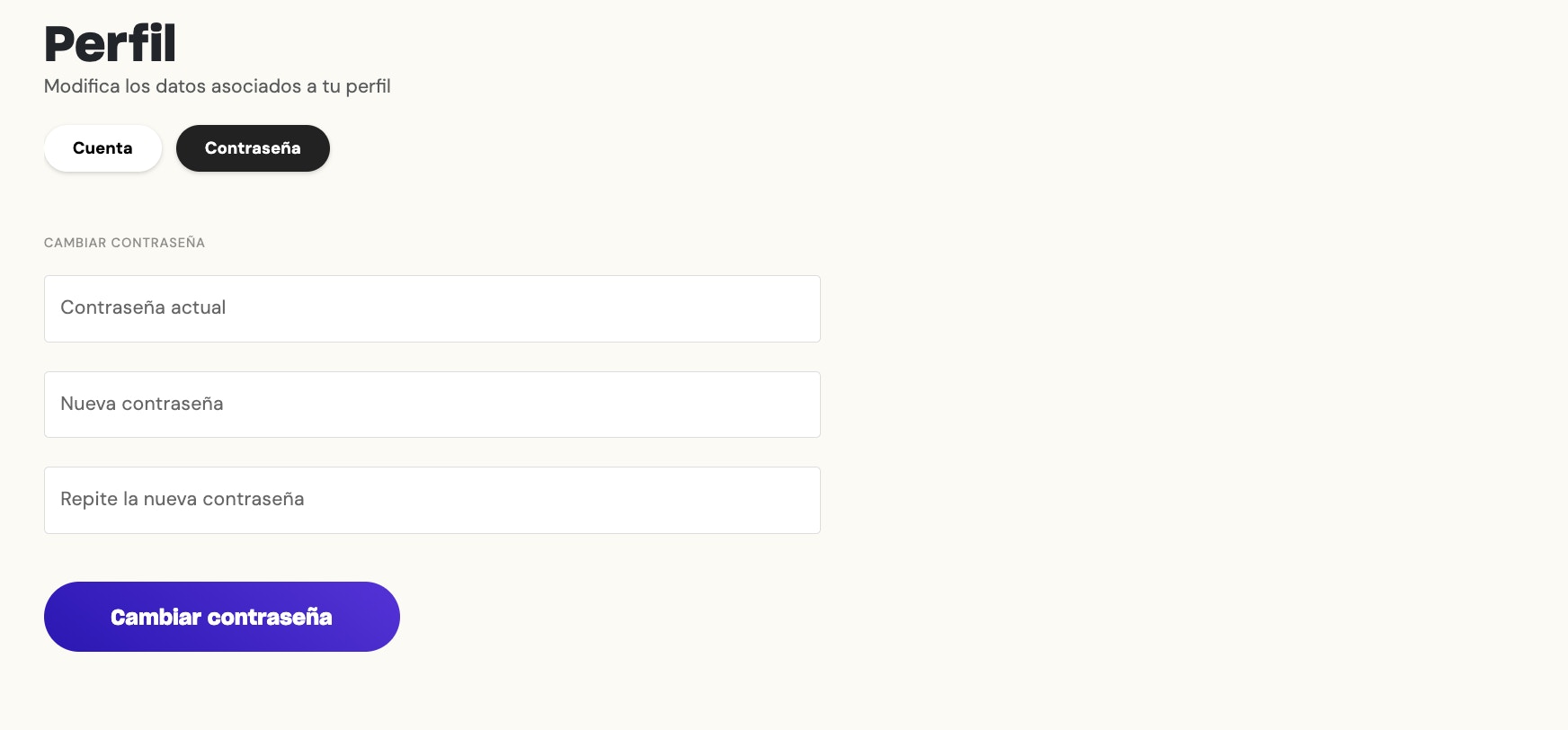
In this section, you can change your Banktrack access password.
To access this section, follow these steps:

Then select the Password section:
If you have any questions regarding changing your password, you can contact us in the chat that you will find in the lower right corner of the screen.
Was this page helpful?
Last updated Dec 29, 2025
Built with Documentation.AI